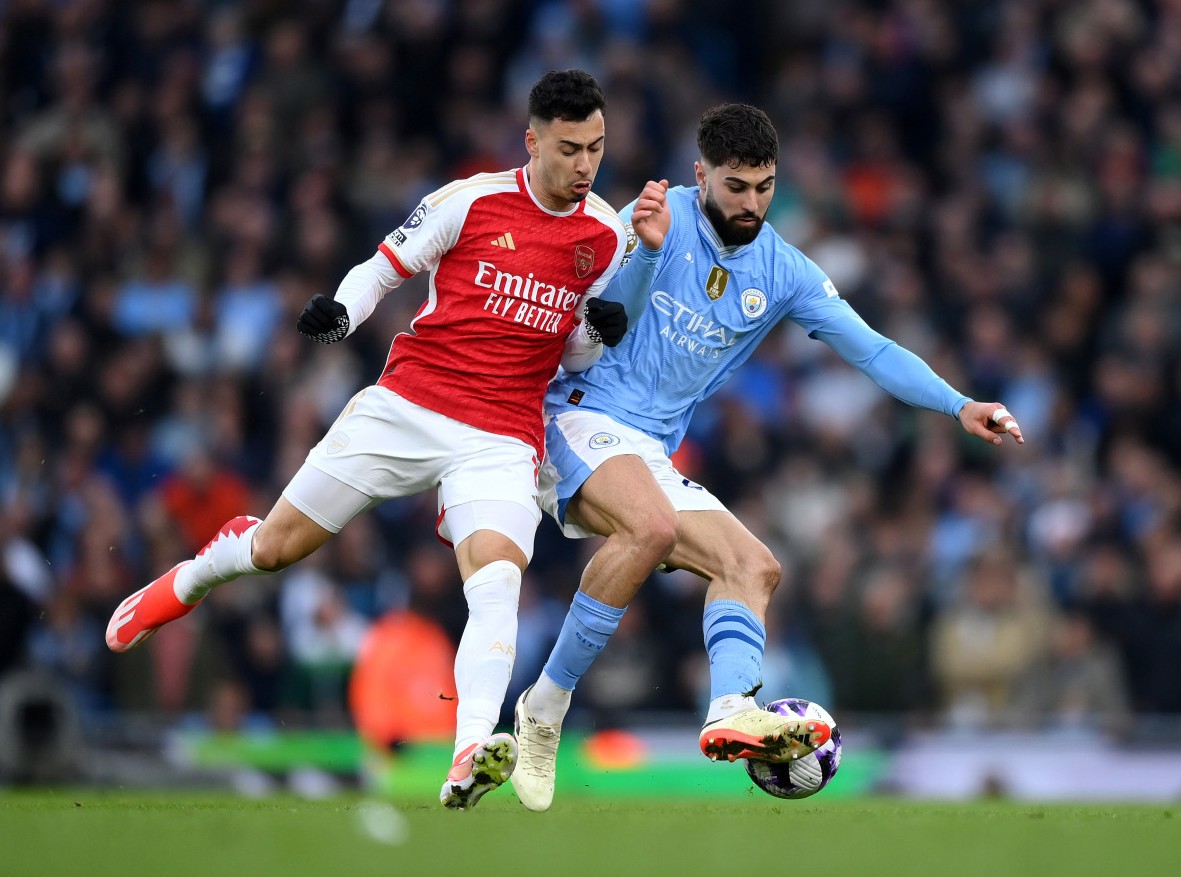
Few things frustrate football fans more than a stream that freezes during the most intense moments of a match. The Premier League is full of last‑minute goals, emotional comebacks, and high‑tempo second‑half drama—but none of that matters if the screen suddenly pauses right when your team is pressing for a winner. Many fans experience buffering or lag during the second half because that’s when online traffic peaks and device performance often drops.
Fortunately, avoiding these interruptions is absolutely possible with the right preparation and setup. This guide explains why freezing happens and how to ensure smooth, uninterrupted Premier League live streaming throughout the entire match.
Why Streams Often Freeze in the Second Half
Understanding the problem is the first step to solving it. Several factors typically cause streaming issues late in the match:
1. Network Congestion During Peak Moments
As matches progress, more viewers tune in—especially for close or high‑stakes games. This increased demand can overload weaker networks or underpowered servers, resulting in delayed or frozen streams.
2. Device Overheating or Performance Drop
Long streaming sessions can cause smartphones, tablets, or old laptops to heat up. When this happens, the device reduces performance to stay cool, which can affect streaming quality.
3. Background Apps Consuming Bandwidth
Notifications, automatic updates, cloud backups, and background apps often activate after long periods of use, making the second half particularly vulnerable.
4. Weak or Unstable Wi‑Fi Signal
Wi‑Fi interference grows throughout the evening as more devices connect in the household or neighborhood, reducing stability during the second half.
With these common issues in mind, let’s explore how to fix them effectively.
Strengthen Your Internet Connection
A stable network is the foundation of smooth live streaming. Even premium streaming services can’t compensate for weak or inconsistent internet connections.
1. Use Wired Ethernet When Possible
If you’re watching on a smart TV, PC, or laptop, connecting via Ethernet provides the most stable and fastest link. This eliminates Wi‑Fi interference entirely.
2. Improve Wi‑Fi Placement
For mobile devices or tablets:
- Keep your device close to the router
- Avoid walls, microwaves, and electronics that cause signal loss
- Elevate your router to increase signal reach
3. Increase Bandwidth
Live HD streaming typically requires:
- 5–10 Mbps for HD
- 20–30 Mbps for stable Full HD
- 25–50 Mbps for 4K streaming
If your household streams on multiple devices, consider upgrading to a higher‑speed plan.
Choose a Reliable Streaming Platform
The quality of the source itself plays a big role. Some platforms experience heavy overload during popular matches, causing widespread freezing.
A favorite among football fans is Goaldaddy, known for its optimized streaming infrastructure dedicated entirely to football. Because it focuses on match-specific traffic, Goaldaddy generally handles peak demand better than general sports sites.
Its streamlined interface reduces unnecessary loading, ensuring a smoother experience, especially during the high-pressure minutes late in the match. Choosing a reliable, well‑maintained platform goes a long way in preventing second‑half interruptions.
Reduce Background Activity Before the Match
Most people forget how many apps, programs, or devices use bandwidth in the background. Reducing this digital clutter is essential for smooth match viewing.
1. Close Unnecessary Apps
Social media apps, cloud storage, and messaging platforms consume resources continuously. Shut them down before kickoff.
2. Pause Downloads and Updates
Automatic updates from your OS or apps can begin without warning and tax your connection or device.
3. Use “Do Not Disturb” Mode
This prevents unexpected notifications that may interrupt playback or slow your device.
4. Disconnect Idle Devices
If multiple people are streaming or gaming at the same time, bandwidth becomes limited. Disconnect devices not in use.
Optimize Your Device for Extended Streaming
Second‑half freezing is often caused by device fatigue—especially on tablets and phones used for long periods.
1. Restart Before the Match
A simple restart clears memory, closes background tasks, and improves system performance.
2. Keep Your Screen Brightness Moderate
High brightness overheats devices over time. Lowering brightness slightly helps maintain performance during the second half.
3. Use a Cooling Pad or Stand
If you’re watching on a phone, tablet, or laptop, keeping it cool prevents throttling.
4. Keep Your Apps Updated
Streaming apps improve performance over time, and outdated versions may have bugs that cause freezing.
Stabilize Your Environment for Optimal Viewing
Sometimes freezing has nothing to do with the device or internet—it’s about where you’re watching.
1. Reduce Environmental Interference
Move away from crowded wireless zones or rooms with electrical interference that can affect Wi‑Fi.
2. Position Yourself Comfortably
The more comfortable you are, the fewer adjustments you need to make mid‑match. Constant movement can push your device into weaker signal zones.
3. Avoid Streaming in Hot, Humid Places
Heat significantly slows down performance, especially during long matches.
Smart Tips for Second‑Half Reliability
These quick, practical techniques reduce the chance of freezing as the match progresses:
- Refresh the stream during halftime for a clean buffer
- Switch from Wi‑Fi to mobile data if your Wi‑Fi is unstable
- Keep your device plugged in to avoid battery-saving throttles
- Lower resolution temporarily if your connection becomes unstable
These small adjustments can save you from missing critical match moments.
Popular Access Options for Thai Football Fans
Thai viewers often rely on a mix of regional services and curated access portals. One popular option is platforms that help fans find matchday links tailored to local speeds and commentary, such as ดูบอลสด77upth, which is widely used for quick access to live Premier League streams. These local portals often provide Thai‑language narration and are designed with Thai network conditions in mind.
Pairing such portals with the performance tips above helps ensure stable viewing throughout both halves of the match.
How Technology Continues to Improve Streaming Stability
Streaming technology is evolving rapidly, bringing improvements that reduce freezing and buffering:
- Lower-latency streaming protocols
- Smarter adaptive bitrate controls
- More efficient compression codecs
- Advanced server load-balancing
- AI-driven buffering predictions
These enhancements are making it easier than ever to enjoy smooth football streaming.
Final Thoughts
Watching the Premier League live should be an exciting and uninterrupted experience—from kickoff to the final minute. By strengthening your internet connection, choosing reliable platforms like Goaldaddy, optimizing your device, and using smart environmental practices, you can dramatically reduce freezing and buffering during the second half.
Whether you prefer accessing region-friendly links through ดูบอลสด or watching directly on a dedicated streaming service, the key to smooth viewing lies in preparation. With the right setup, you’ll never miss a decisive goal, dramatic save, or thrilling final push again.